11:00
:
Rings in

iPhone App

Your Own Music Alarm
& Sleep Sounds.

The Spotify and Apple Music alarm for iPhone. Wake up to any song you love, drift off to curated sounds — all through the streaming account you already have. No extra subscription needed.

  • Free · no ads
  • Spotify & Apple Music
  • iOS 18.6+
Streams from
Spotify Apple Music
· Curated soundscapes · Sleep timer · Sunrise alarm

Sleep sounds

Curated soundscapes,
made for falling asleep.

Rain, piano, lofi, healing frequencies and more: curated playlists that stream from Spotify or Apple Music. Set a sleep timer for 15, 30 or 60 minutes, or let it run gently until your alarm.

Available in

Click to preview

1 / 8

Music alarm

Your Wake Up.

Pick any song or playlist and wake up gradually to it instead of a buzzer. You're in control of what you hear first. A calmer, more human way to start the day.

Your music is the alarm

Connect your account and LuxRise becomes a true Spotify alarm clock — or an Apple Music alarm, your call. Pick any track, playlist, album, or artist, set your wake time, and that’s the first thing you hear. New to this? Here’s exactly how to set a song as your iPhone alarm.

Spotify Apple Music

Alarm fade-in

Volume eases up gradually over time, instead of a jarring shock, refined haptics included.

Bedtime reminders

The best alarm is the one you remembered to set. At a time you choose, LuxRise nudges you to set tomorrow’s — and you can set it in a single tap, straight from the notification. Adjust it or turn it off in Settings, whenever you like.

The promise

An alarm you can actually trust.

Phone on silent? Wi-Fi drops at 3am? Music app logged out? You still wake up. Every time. LuxRise quietly keeps a backup ready, so your morning never hangs on a perfect connection.

  1. Rings on silent & Do Not DisturbYour alarm gets through, however your phone is set.
  2. Works when the Wi-Fi doesn'tLose your connection overnight and you'll still wake on time.
  3. Always a backup readyIf your music can't play, something else always will.
11:00
:
Rings in
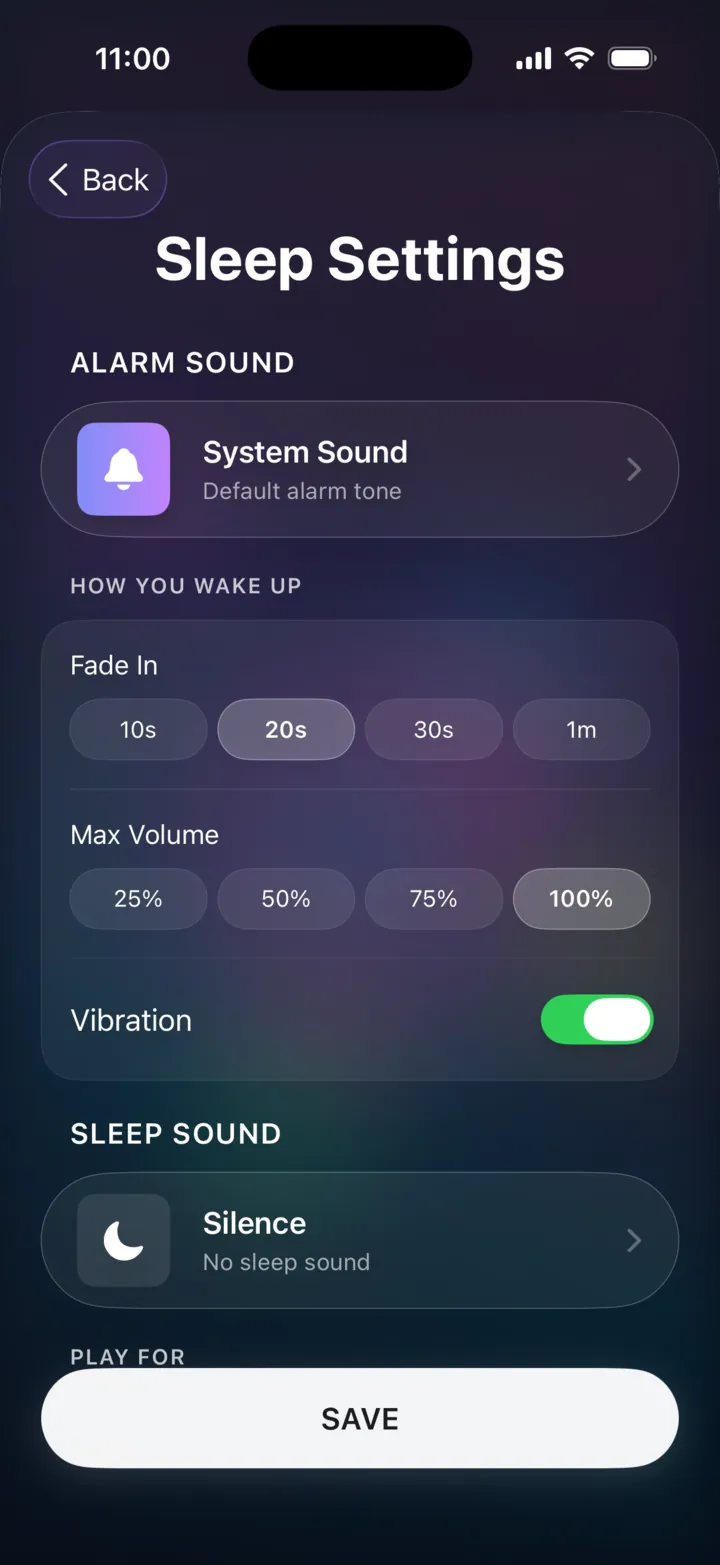
LuxRise Sleep Settings screen
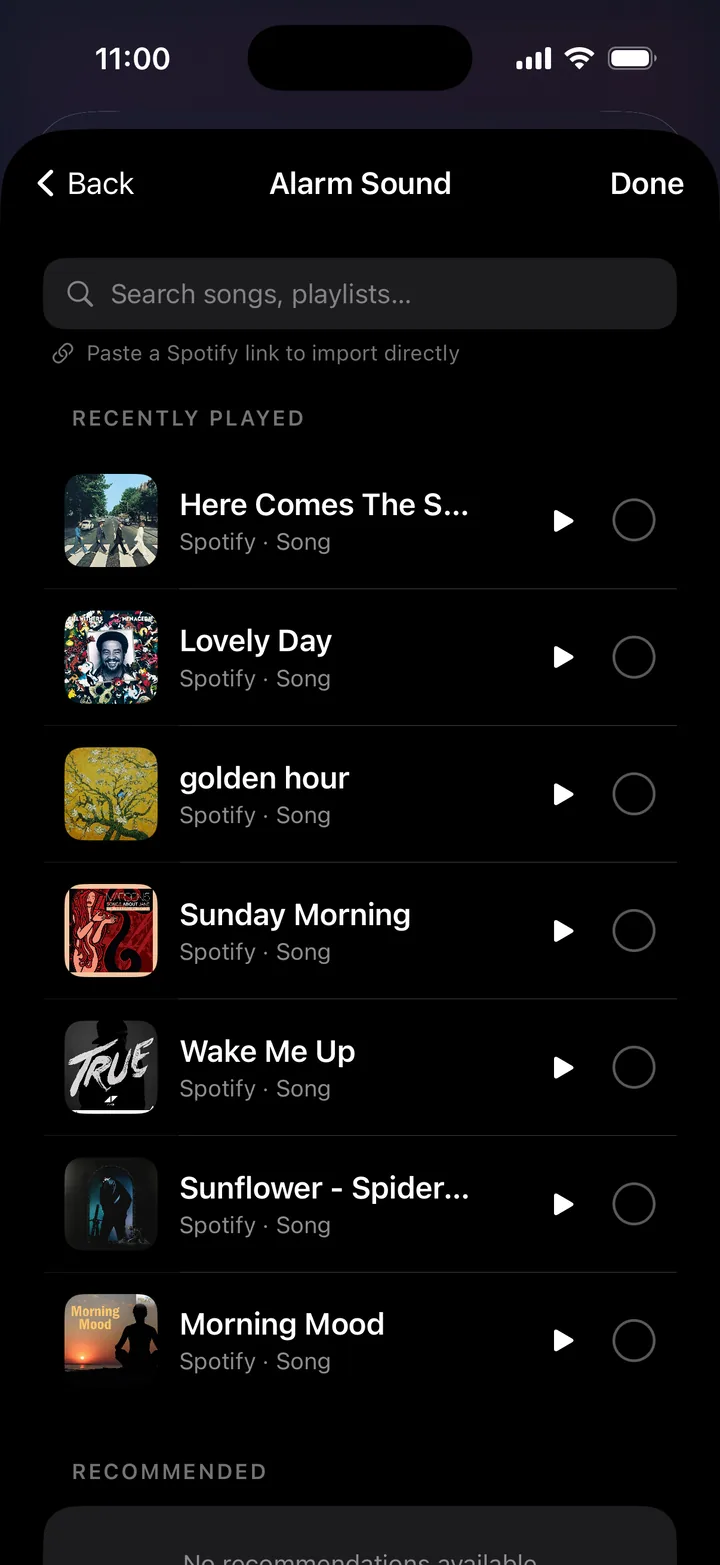
Choosing an alarm song
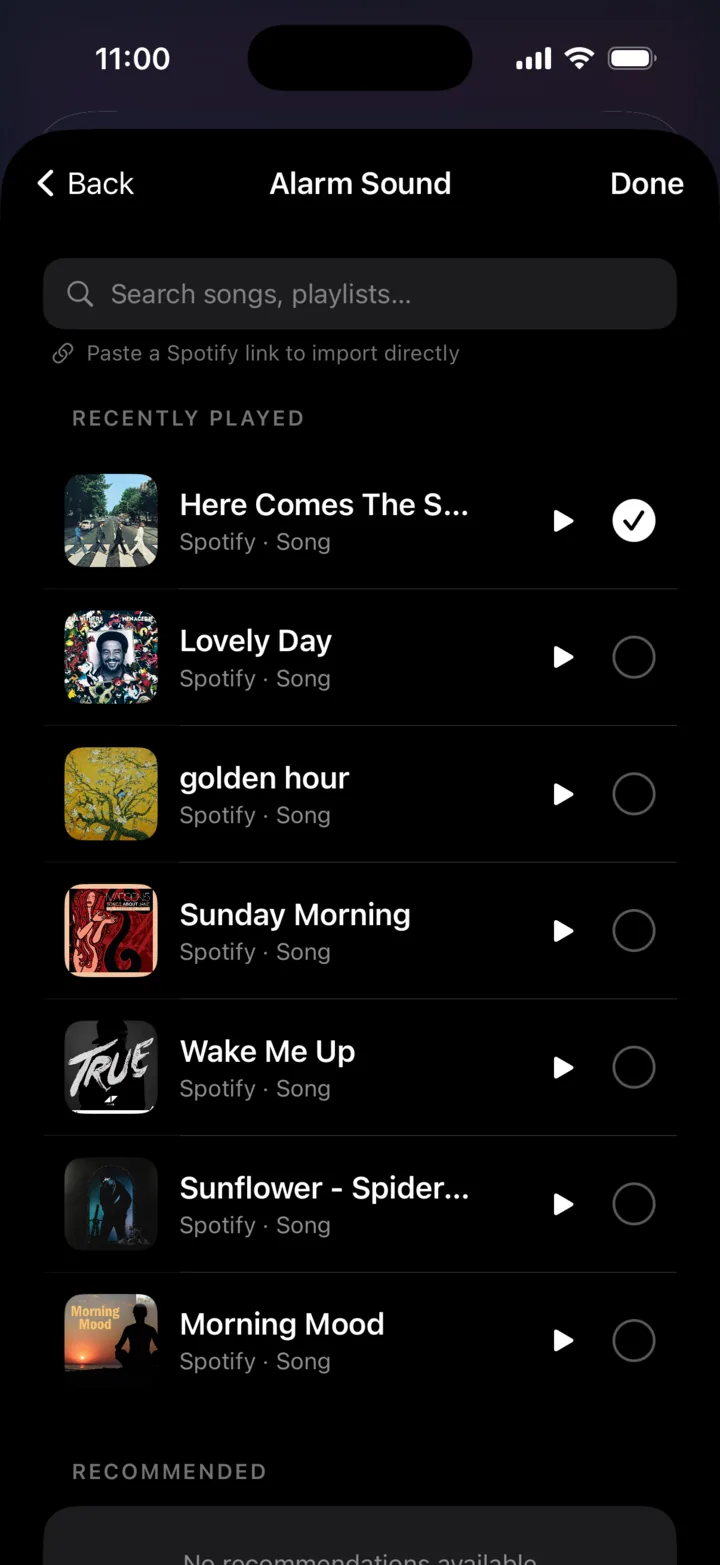
Alarm song selected
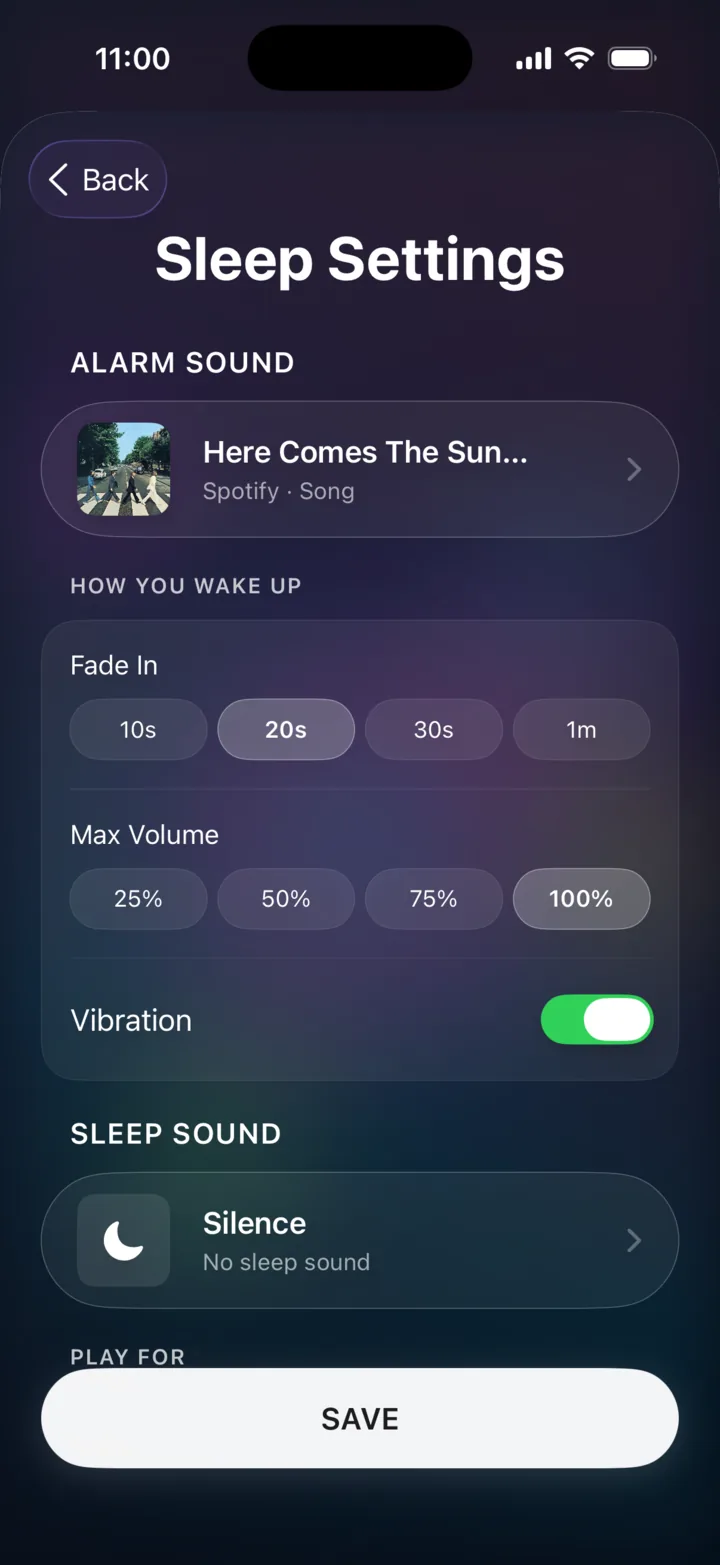
Sleep Settings with the alarm song saved
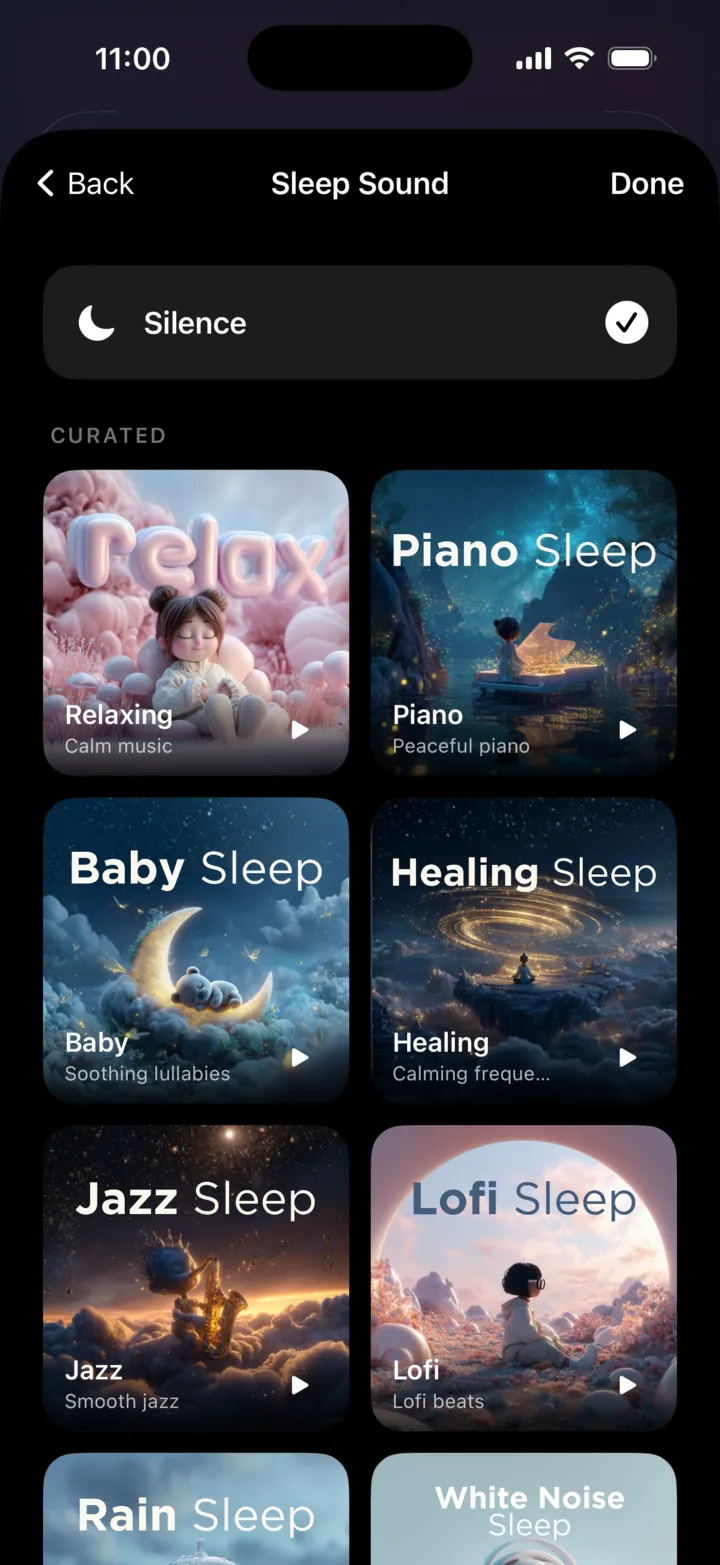
Choosing a sleep sound
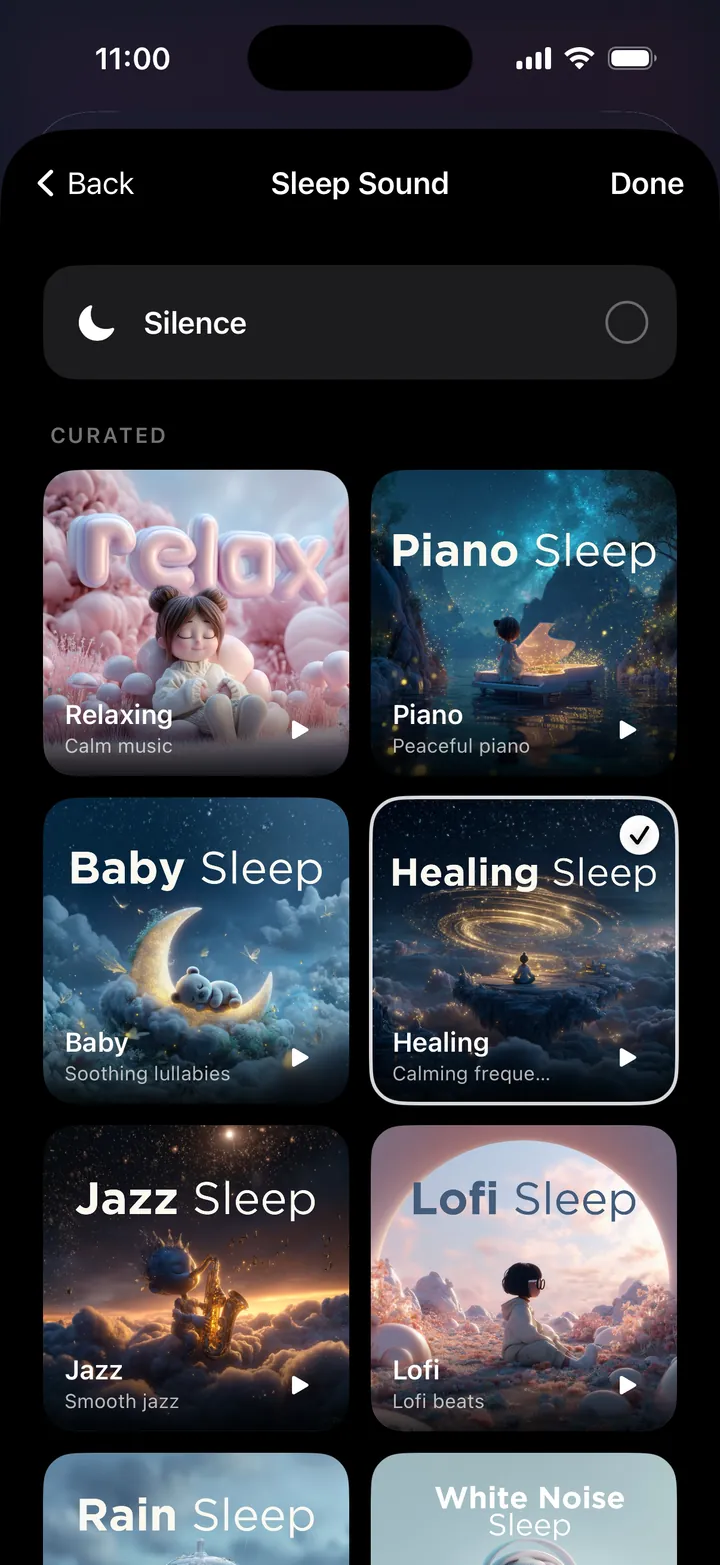
Healing sleep sound selected
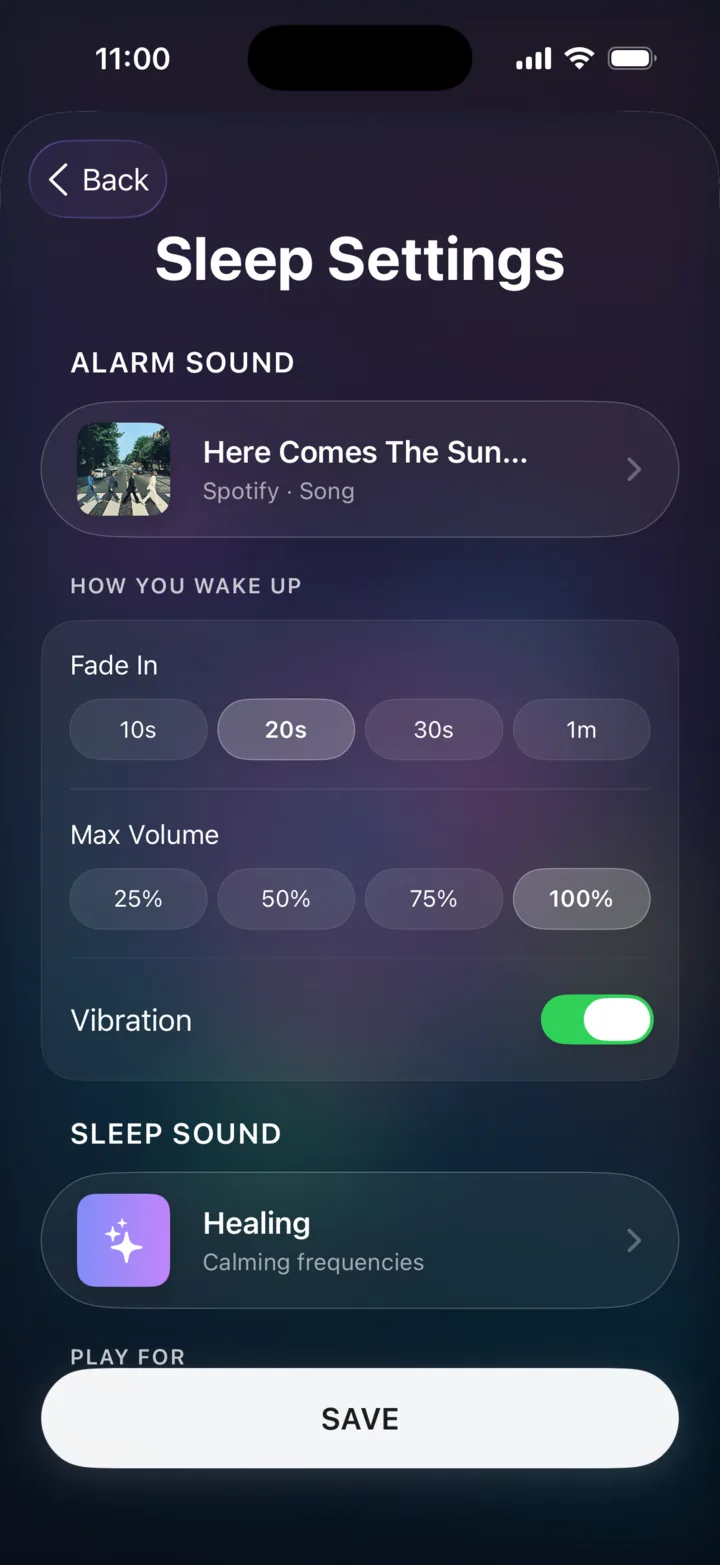
Sleep Settings with alarm and sleep sound saved
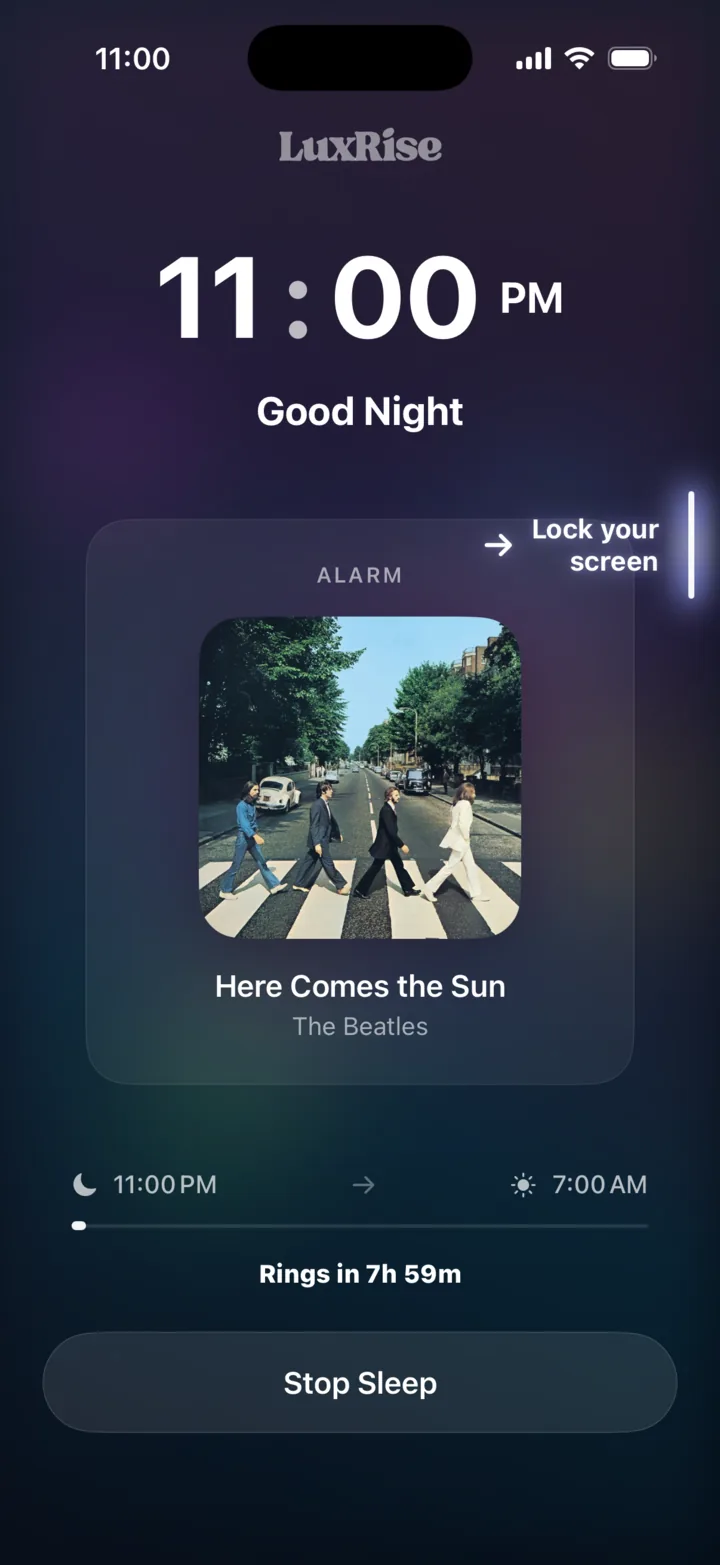
LuxRise sleep mode, good night

How it works

Set your night
in under a minute.

Spin to your wake time. The last thing you decide tonight.

1

Open your sleep settings

One tap into your night: your alarm, how you wake, and how long the music carries you.

2

Choose what wakes you

Any song, straight from Spotify or Apple Music. It becomes your sunrise, easing up, never jarring.

3

Choose what carries you off

A soundscape for falling asleep: rain, piano, healing tones, lofi and more.

4

Then Go to Sleep.

Lock your screen and sleep. We fade you down, watch the clock, and lift you back up. On time, every time.

FAQ

Frequently asked questions.

Which music services work?

Spotify and Apple Music. Playback runs through your own account: authorize it once and you’re set. Spotify Premium is required for the full music alarm experience, and Apple Music needs an active subscription.

What if my internet drops overnight?

You still wake up. LuxRise keeps a backup ready, so even with no connection your alarm always goes off on time.

Will it drain my battery?

Playing audio overnight uses no more power than music or a podcast would. We recommend charging your iPhone overnight regardless.

Can I use it just for sleep sounds?

Absolutely. Open a soundscape, set a sleep timer for 15, 30 or 60 minutes (or until your alarm), and drift off. No alarm required.

What does it cost?

Nothing. LuxRise is free on the App Store: no ads, no subscription, no in-app purchases.

What do I need to run it?

An iPhone on iOS 18.6 or later. Notifications, Health and music access are all optional. Skip any of them and the app still works.

Can I set a Spotify song as my alarm?

Yes, that’s the whole idea. Connect your Spotify account, pick any song or playlist, and LuxRise plays it at your wake time with a gradual fade-in. Setup takes about two minutes: here’s how to set a song as your iPhone alarm.

How does LuxRise compare to other music alarm apps?

“Free” usually means a trial or a locked tier in alarm apps. LuxRise is free outright — no ads, no subscription, no in-app purchases. We put it side by side with the other options in our guide to the best music alarm apps for iPhone.

LuxRise app icon

Made for better mornings.

No extra subscriptions. Download LuxRise.

Guides

Get more from your nights and mornings.

Honest, tested guides to waking up to your own music. Real methods, real prices past the free-trial screens, and what actually rings at 6:30am.

LuxRiseFree on the App Store Get