The Best Music Alarm Apps for iPhone in 2026
Waking up to a beep is a rough way to start the day. These apps let you wake up to real music. Here's how the top options actually compare — including what each one costs once you're past the free trial.
At a glance
| App | Price | Spotify | Apple Music | Full songs free? |
|---|---|---|---|---|
| LuxRise | Free | Yes | Yes | Yes |
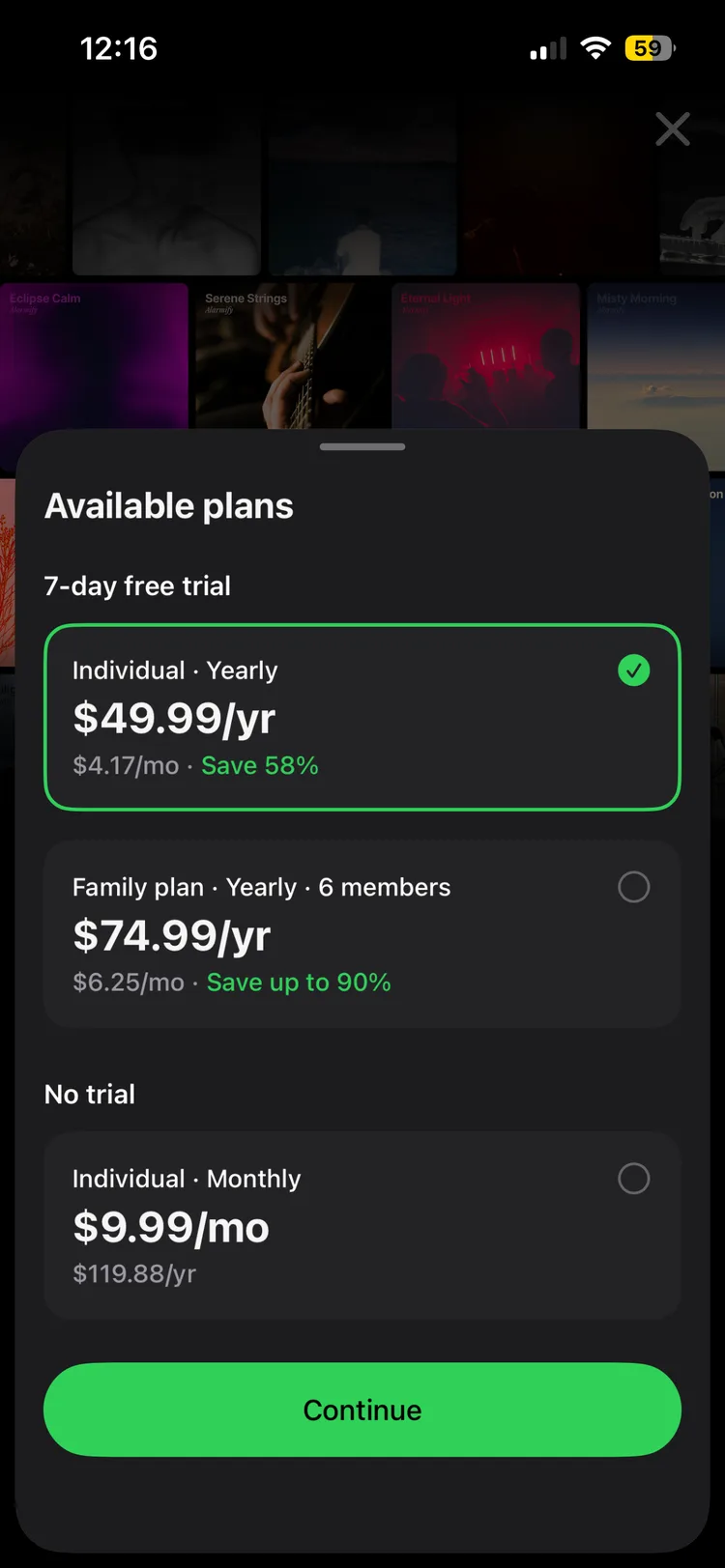
| Alarmify | $9.99/mo · $49.99/yr | Yes | Yes | 30-sec clips only |
| Alarmy | ~$5/mo · ~$60/yr | Premium feature | Premium feature | No |
| Music Alarm (Olivet) | $7.99/mo · $29.99/yr | Own audio only | Own audio only | No |
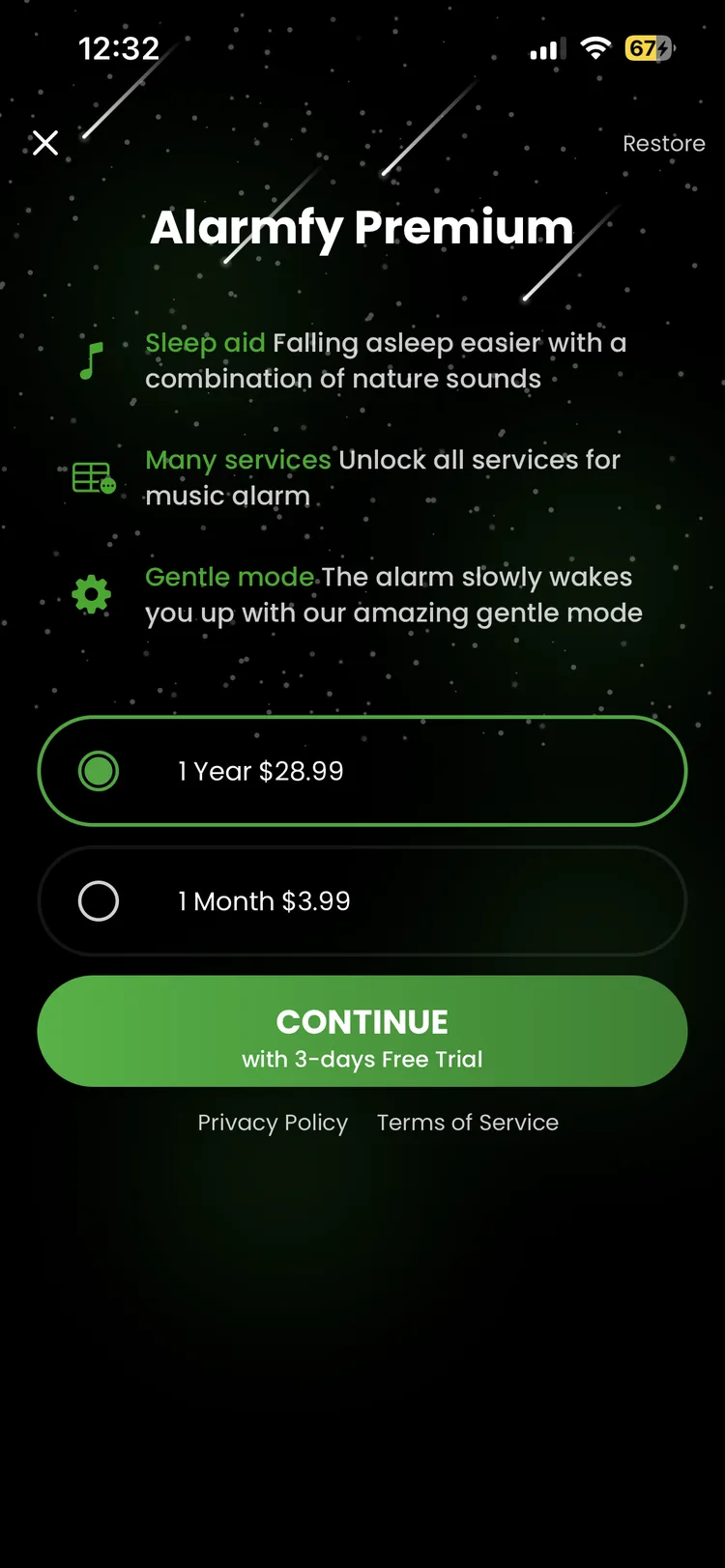
| Alarmfy | $3.99/mo · $28.99/yr | Needs Premium | Yes | No |
LuxRise Best overall · Free
Wakes you to any Spotify or Apple Music track, streamed live. Fade-in, sunrise screen, curated sleep sounds to fall asleep to, backup layers so it never misses. No app subscription. Free.
- Full songs from Spotify and Apple Music — streamed live, nothing to buy or download
- Gentle fade-in over a sunrise screen instead of a full-volume jolt
- Backup alarm layers, so the alarm rings even if streaming hiccups
- Curated sleep soundscapes and a sleep timer for the falling-asleep half of the night
- No ads. At all. Your first waking moment isn't a banner ad
- Easier to use — pick a song, set a time, done. No missions, no settings maze
- Free — no subscription stacked on top of the music service you already pay for
Alarmify Paid Spotify option
Solid, 1M+ downloads. But the free tier has a hard ceiling:
- Free version only plays 30-second clips of your song
- Full songs ("Smart Wake") require Alarmify+ — $9.99/mo or $49.99/yr
- Spotify Premium or Apple Music required on top — two subscriptions to wake up to one song
Alarmy For heavy sleepers
The "missions" app — it makes you do math, take steps, or photo-scan your bathroom sink to shut it up. Effective, but:
- Music wake-up is a premium feature (~$5/mo, ~$60/yr)
- Built around punishment, not a pleasant wake-up — missions first, music second
- Overkill if you just want to open your eyes to a song you love
Music Alarm (Olivet)
- Only imports your own audio files — no Spotify, no Apple Music streaming
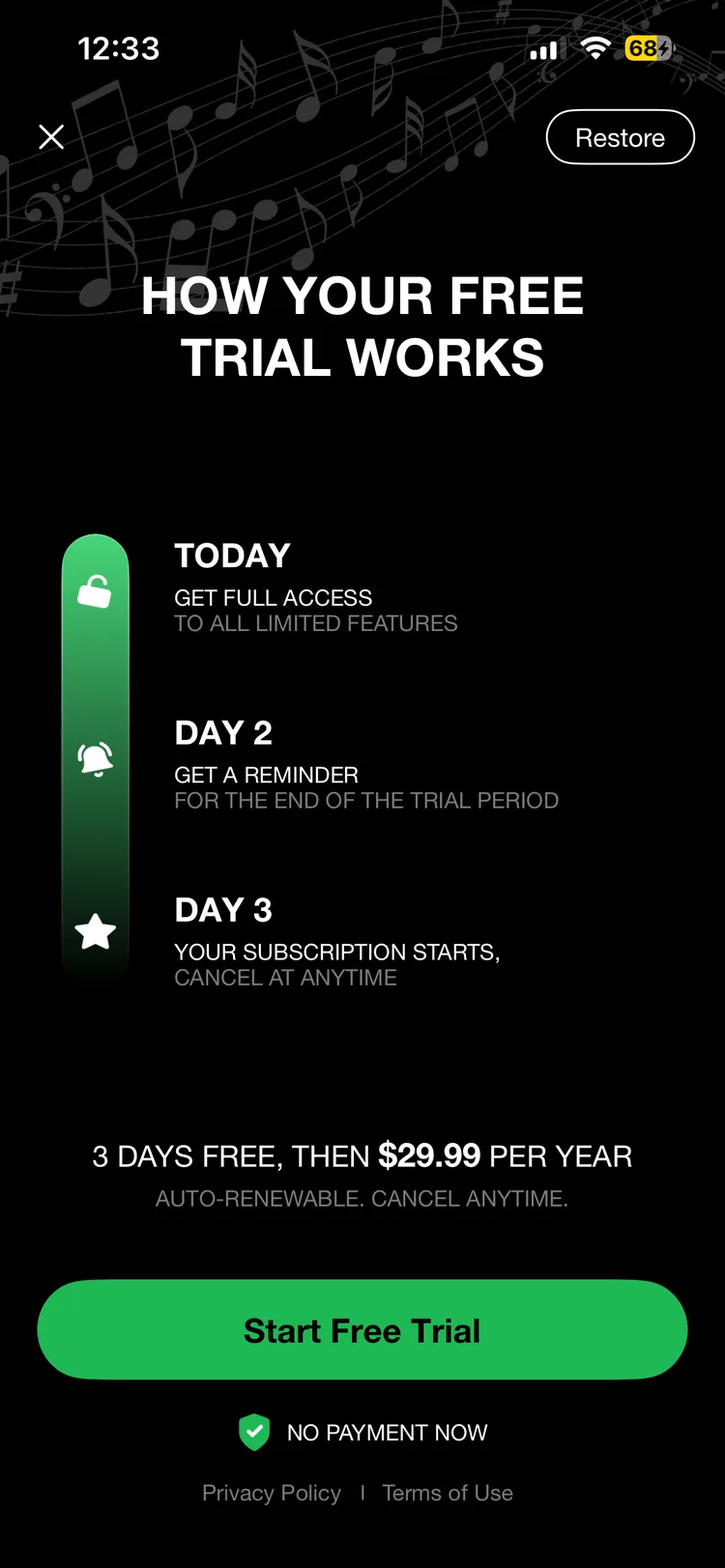
- Premium runs $7.99/mo or $29.99/yr
Alarmfy (Music Alarm)
- Supports Spotify + Apple Music, but requires Spotify Premium
- Charges its own subscription — $3.99/mo or $28.99/yr — on top of that
The bottom line
Every paid app here stacks its fee on top of the music service you already pay for. LuxRise doesn't. Start free, upgrade only if you ever need to.
Download LuxRise — FreeFAQ
What is the best music alarm app for iPhone?
LuxRise — it's the only app in this roundup that streams full songs from both Spotify and Apple Music, adds fade-in and a sunrise screen, and charges nothing on top of the music service you already have.
Is there a free alarm app that works with Spotify?
Yes. LuxRise streams full Spotify songs as your alarm, free. Most alternatives cap the free tier at 30-second clips or paywall full songs behind their own subscription.
Do music alarm apps need Spotify Premium?
Most third-party apps require Spotify Premium for full-song playback, and several charge their own fee on top — so read the fine print before subscribing twice.
Why not just use the built-in Clock app with a song?
The Clock app only accepts songs purchased from the iTunes Store (~$1.29 each), can't touch Spotify, and has no fade-in. Our full step-by-step guide covers every manual method and where each one breaks.